
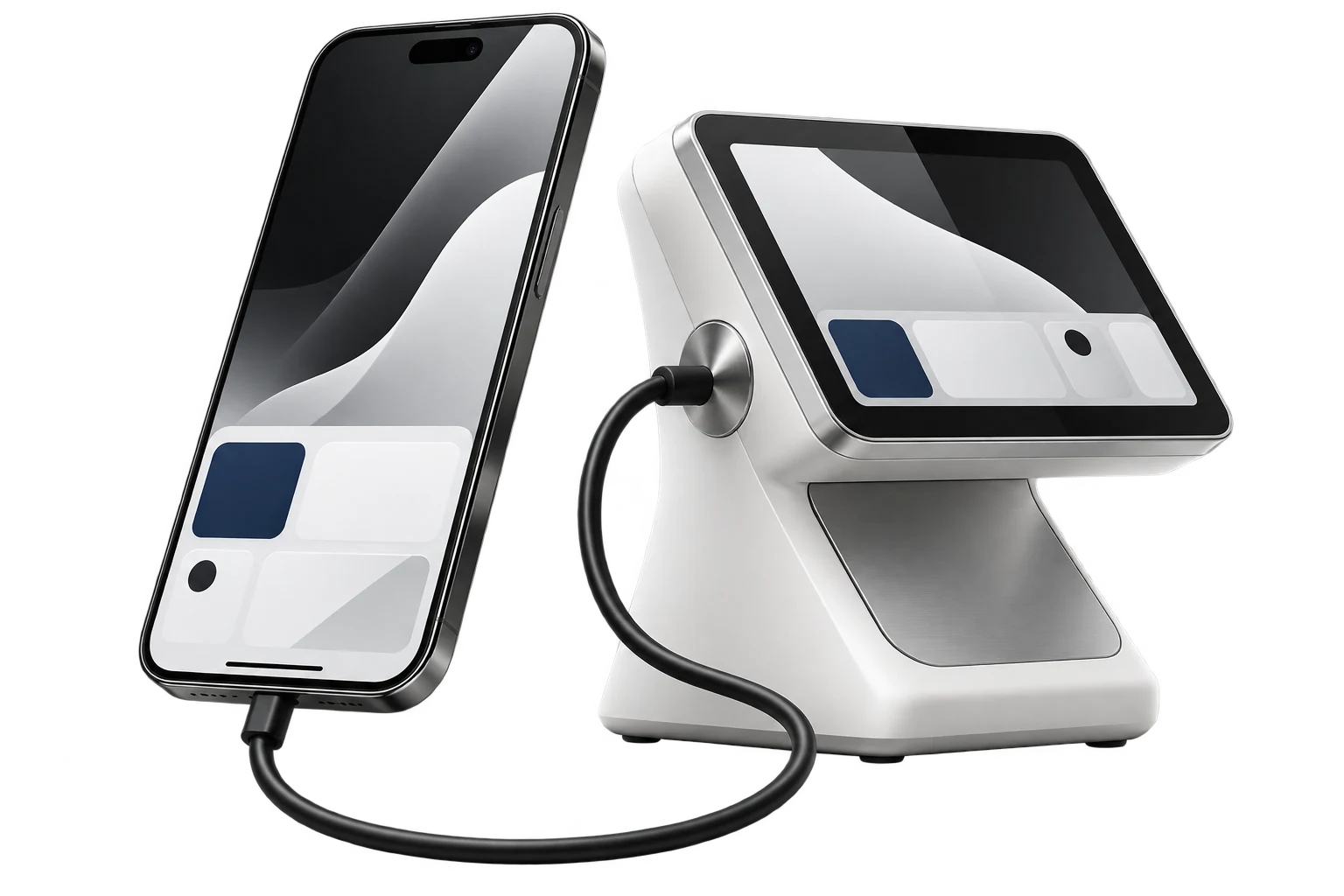
Before creating a 3D model, define what the user will do. In a catalog, this might be inspecting a product from all sides; in training, following an assembly sequence; in an urban environment, comparing placement options for an object. The action determines the model’s contents, controls and detail accuracy. If the task only involves viewing one angle, first assess whether a conventional image is sufficient. In an interactive scene, every detail should help people understand the object or complete the chosen scenario.
Agree on accuracy and source materials
Clarify exactly what the model should convey: appearance, actual dimensions, the arrangement of elements or how a mechanism is constructed. An illustrative scene and a model used for measurements require different preparation and acceptance rules. Gather drawings, photographs and dimensions, identifying sources and permitted deviations. Agree on how unknown parts will be shown. It is useful to identify elements that can be checked: reference dimensions, key views, materials and labels. Quality is then assessed against the purpose, rather than the overall impression.
The scope of interaction should also be described before modeling. Are rotation, zoom, part selection, variant switching or step-by-step animation needed? For each action, define the initial state, camera constraints and how to return. In a product configurator, check variant compatibility and the connection between visual selections and the final specifications. If users need an explanation, provide a label and brief description alongside the model. The three-dimensional object should be part of an understandable interface.

Prepare the scene for the target device
A model intended for interactive viewing should be tested in the application where it will be used. Agree on target devices, download size, texture resolution and permitted scene complexity. One format for delivering 3D content is glTF, described in the official Khronos specification. Alongside the format choice, check whether the viewer supports the required materials and extensions. A successful export alone does not confirm that lighting, animation and model behavior are correct in the product.
During testing, check the scene’s first opening, repeat loading, touchscreen controls and transitions between variants. Compare key views on several target devices. Measure loading time and responsiveness under conditions that reflect the audience’s use. A loading indicator and fallback image are useful for slow connections. Core information about the object should remain available as text. This helps users who find three-dimensional viewing inconvenient or cannot access it.
Organize future updates
Along with the completed scene, prepare source files, naming rules, a list of variants and an export procedure. Specify who checks changes to dimensions, materials and configurations before publication. When adding new objects, repeat the checks on file size and behavior on target devices. Assess the value of 3D against the specific scenario: has it become easier to choose a variant, understand assembly or compare placement? This gives visualization a measurable role in the product and a clear maintenance process.